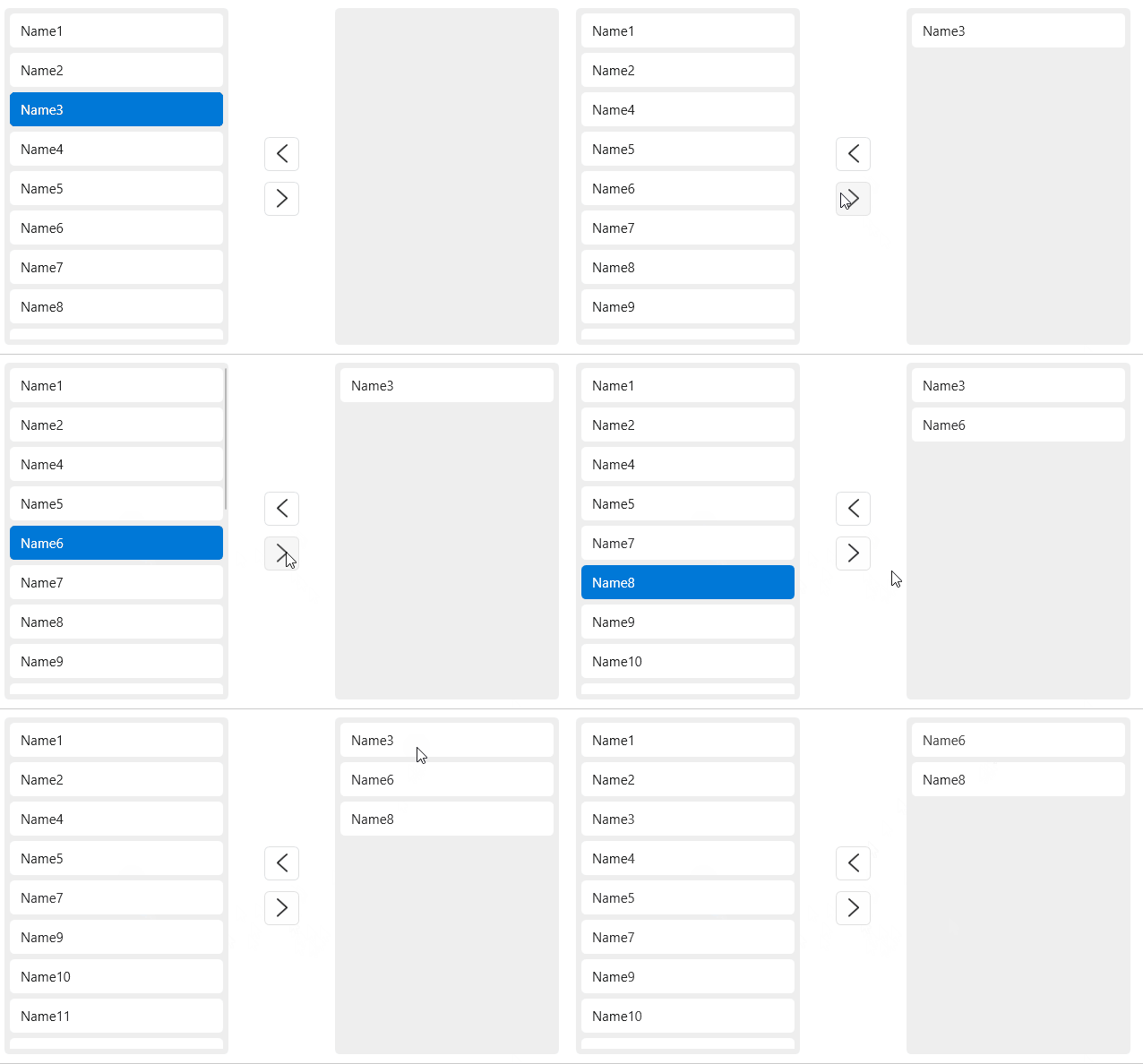
The shuttle selection box uses an intuitive way to move elements in the two columns to complete the selection behavior.
cs
[TemplatePart(Name = ElementSelectedListBox, Type = typeof(ListBox))]
[DefaultEvent(nameof(Transferred))]
public class Transfer : ListBox
Styles
| Name |
|---|
| TransferItemBaseStyle.Small |
| Transfer.Small |
| TransferItemBaseStyle.CheckBox |
| Transfer.CheckBox |
| TransferItemBaseStyle.CheckBox.Small |
| Transfer.CheckBox.Small |
Events
| Name | Description |
|---|---|
| SelectionChanged | Triggered when the selected item changes |
| TransferredItemsChanged |
Case
xml
 <hc:UniformSpacingPanel ChildWrapping="Wrap" Margin="32" Spacing="32">
<hc:Transfer ItemsSource="{Binding DataList}" MinWidth="300" Height="300" DisplayMemberPath="Name" />
<hc:Transfer ItemsSource="{Binding DataList}" MinWidth="300" Height="300" DisplayMemberPath="Name" Style="{StaticResource Transfer.Small}"/>
<hc:Transfer ItemsSource="{Binding DataList}" MinWidth="300" Height="300" DisplayMemberPath="Name" Style="{StaticResource Transfer.CheckBox}"/>
<hc:Transfer ItemsSource="{Binding DataList}" MinWidth="300" Height="300" DisplayMemberPath="Name" Style="{StaticResource Transfer.CheckBox.Small}"/>
</hc:UniformSpacingPanel>