
Attributes
| Name | Use | | ----------------- | ------------------------------- ----------------------------- | | IsDragElement | Whether to allow the current element to drag the form | | IgnoreAltF4 | Whether to ignore the shortcuts Alt and F4 (the keyboard quickly exits or ends the currently running application) | | ShowInTaskManager | Whether the form is displayed in the task manager | | HideWhenClosing | | |SystemBackdropType|| |ExtendContentToNonClientArea||
Use Cases
IsDragElement Whether to allow the current element to drag the form
<hc:SimplePanel>
    <Rectangle VerticalAlignment="Top" Margin="10" Height="30" RadiusX="4" RadiusY="4" Stroke="{DynamicResource BorderBrush}" StrokeDashArray="2,2"/>
    <Border hc:WindowAttach.IsDragElement="True" VerticalAlignment="Top" Margin="11" Height="28" Background="{DynamicResource DarkDefaultBrush}" CornerRadius="4">
        <TextBlock Text="DragHere" Style="{StaticResource TextBlockDefault}"/>
    </Border>
    <Button HorizontalAlignment="Right" Margin="0,15,15,0" VerticalAlignment="Top" Padding="0" Height="20" Width="20" Style="{StaticResource ButtonPrimary}" hc:IconElement.Geometry="{StaticResource CloseGeometry}" hc:BorderElement.CornerRadius="15"/>
</hc:SimplePanel>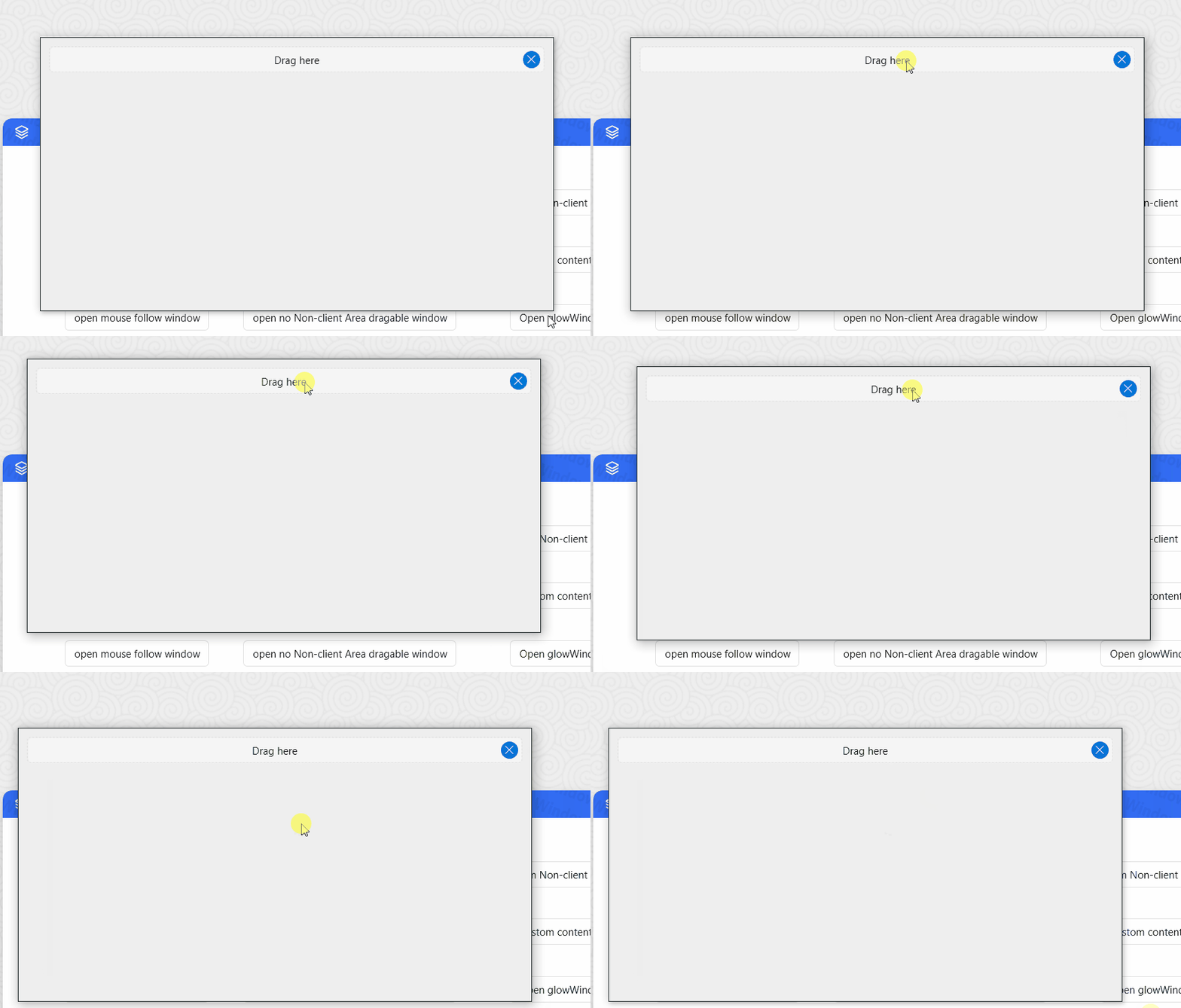
IgnoreAltF4 Whether to ignore the shortcut keys Alt and F4
Alt + F4 to close the window.
<Setter Property = "hc: WindowAttach.IgnoreAltF4" Value = "True" />ShowInTaskManager Whether to show the form to the task manager
Prerequisites:
-The window must be non-modal, that is, you cannot use ShowDialog to display the window. -The window must also set ShowInTaskBar to false
ps: The effect of this additional property is not very obvious in Windows7
SystemBackdropType
you can use SystemBackdropType Attached Property for Activating Mica for any window (System.Window.Window or HandyControl.Controls.Window).
<hc:Window x:Class="HandyControlDemo.MainWindow"
           xmlns="http://schemas.microsoft.com/winfx/2006/xaml/presentation"
           xmlns:x="http://schemas.microsoft.com/winfx/2006/xaml"
           xmlns:hc="https://handyorg.github.io/handycontrol"
           xmlns:local="clr-namespace:WpfApp4"
           hc:WindowAttach.SystemBackdropType="Mica">
    <Grid />
</hc:Window>
or
<Window x:Class="HandyControlDemo.MainWindow"
           xmlns="http://schemas.microsoft.com/winfx/2006/xaml/presentation"
           xmlns:x="http://schemas.microsoft.com/winfx/2006/xaml"
           xmlns:hc="https://handyorg.github.io/handycontrol"
           xmlns:local="clr-namespace:WpfApp4"
           hc:WindowAttach.SystemBackdropType="Mica">
    <Grid />
<Window>