
A kind of progress bar containing hot spots and time scale.
cs
[TemplatePart(Name = ElementBorderTop, Type = typeof(Border))]
[TemplatePart(Name = ElementTextBlockMove, Type = typeof(TextBlock))]
[TemplatePart(Name = ElementTextBlockSelected, Type = typeof(TextBlock))]
[TemplatePart(Name = ElementCanvasSpe, Type = typeof(Canvas))]
[TemplatePart(Name = ElementHotspots, Type = typeof(Panel))]
public class TimeBar : Control
Attributes
| Property | Description | Default Value | Remarks |
|---|---|---|---|
| Hotspots | Hot Spot Collection | ||
| HotspotsBrush | Hot Spot Color | ||
| ShowSpeStr | Whether to show the scale | false | |
| TimeFormat | Time Format | yyyy-MM-dd HH:mm:ss | |
| SelectedTime | Currently selected time | ||
| SpeStr |
Events
| Name | Description |
|---|---|
| TimeChanged | Triggered when the selected time changes |
Case
xml
<hc:TimeBar BorderThickness="0" Width="600"/>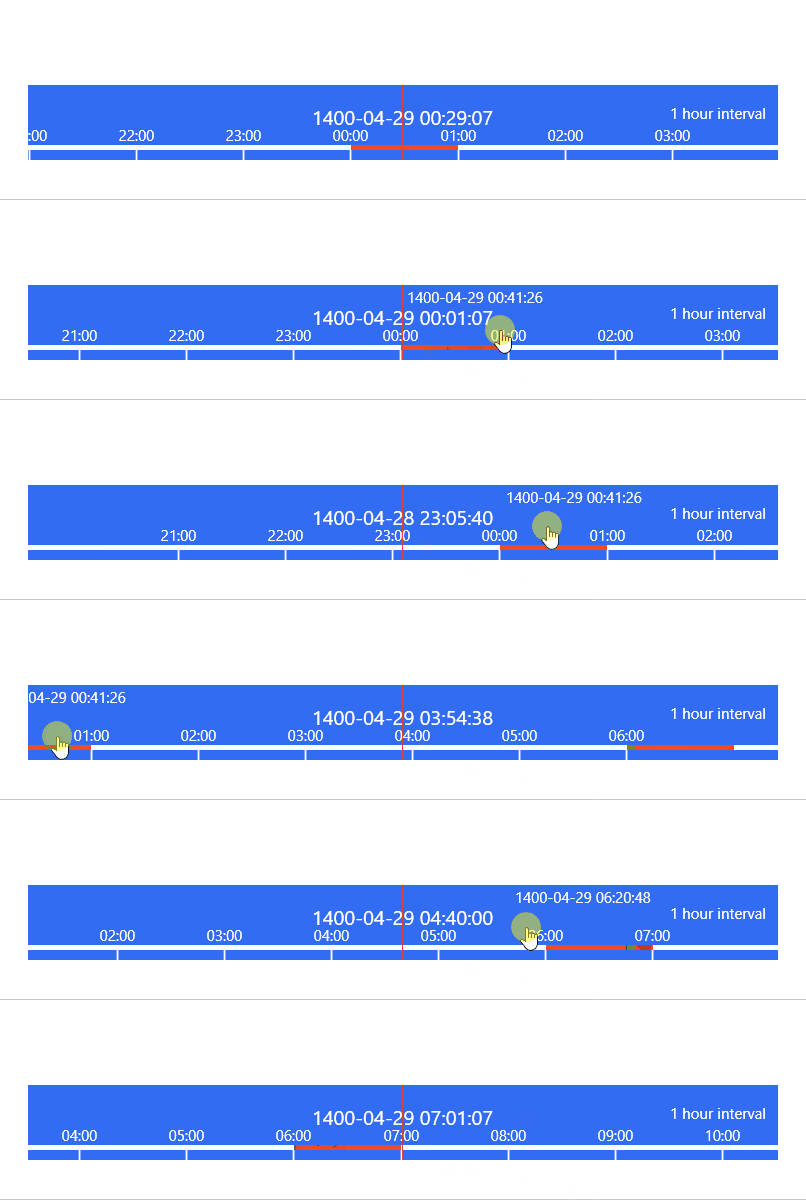
Set hot zone
cs
for (int i = 0; i < 10; i++)
{
    var hour = 6 * i;
    TimeBarDemo.Hotspots.Add(new DateTimeRange(DateTime.Today.AddHours(hour), DateTime.Today.AddHours(hour + 1)));
    TimeBarDemo.Hotspots.Add(new DateTimeRange(DateTime.Today.AddHours(-hour), DateTime.Today.AddHours(-hour + 1)));
}