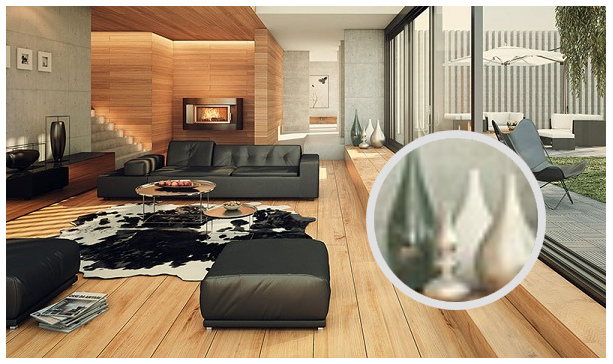
With the help of Magnifier, any control can be partially magnified.
cs
[TemplatePart(Name = ElementVisualBrush, Type = typeof(VisualBrush))]
public class Magnifier : AdornerElement
Attributes
| Property | Description | Default Value | Remarks |
|---|---|---|---|
| HorizontalOffset | Horizontal offset relative to the mouse | 0 | |
| VerticalOffset | Vertical offset relative to the mouse | 0 | |
| Scale | Scale factor | 5.0 |
Case
xml
<Image Margin="16" hc:Magnifier.Instance="{x:Static hc:Magnifier.Default}" Source="/HandyControlDemo;component/Resources/Img/b1.jpg" Stretch="None"/>xml
<Image Margin="16" Source="/HandyControlDemo;component/Resources/Img/b1.jpg" Stretch="None">
    <hc:Magnifier.Instance>
        <hc:Magnifier Scale="6" HorizontalOffset="-16" VerticalOffset="-16"/>
    </hc:Magnifier.Instance>
</Image>