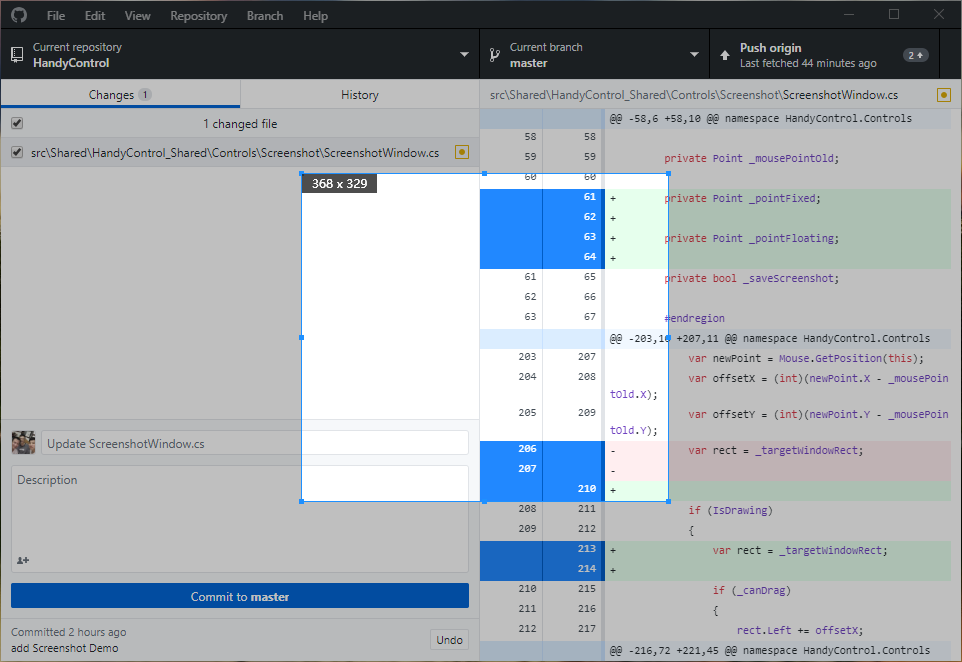
It can be triggered by shortcut keys to save the entire screen or the content of a specified area as a picture.
cs
public class ScreenshotAttributes
| Property |
|---|
| IsDrawing |
| IsSelecting |
| Size |
| SizeStr |
| PixelColor |
| PixelColorStr |
| PreviewBrush |
Method
| Name | Description |
|---|---|
| Start() | Start screenshot |
Events
| Name | Description |
|---|---|
| Snapped | Triggered when the screenshot is complete |
Case
cs
new Screenshot().Start();or
<Button Content="Start Screenshot" Command="hc:ControlCommands.StartScreenshot"/>Snapped
public partial class ScreenshotDemoCtl : IDisposable
    {
        public ScreenshotDemoCtl()
        {
            InitializeComponent();
            Screenshot.Snapped += Screenshot_Snapped;
        }

        private void Screenshot_Snapped(object sender, FunctionEventArgs<ImageSource> e)
        {
            new HandyControl.Controls.Window
            {
                Content = new Image
                {
                    Source = e.Info,
                    Stretch = Stretch.None
                },
                WindowStartupLocation = WindowStartupLocation.CenterScreen
            }.ShowDialog();
        }

        public void Dispose() => Screenshot.Snapped -= Screenshot_Snapped;
    }