
Example
Simple Usage
xml
<StackPanel Margin="10"
            ChildrenTransitions="{StaticResource SettingsCardsAnimations}"
            Spacing="10">
    <Button x:Name="btnFixed"
            Click="btnFixed_Click"
            Content="Change Window Frame Color to Red" />
    <Button x:Name="btnRainbow"
            Click="btnRainbow_Click"
            Content="Start Rainbow" />
    <NumberBox x:Name="nbEffectSpeed"
                Header="Effect Speed"
                Minimum="1"
                SpinButtonPlacementMode="Inline"
                ValueChanged="nbEffectSpeed_ValueChanged"
                Value="4" />
    <MenuFlyoutSeparator Margin="0,10" />
    <Button x:Name="btnReset"
            Click="btnReset_Click"
            Content="Reset Frame to Default" />
</StackPanel>
and
cs
private RainbowFrame rainbowFrame;
public RainbowFramePage()
{
    this.InitializeComponent();
    rainbowFrame = new RainbowFrame();
    rainbowFrame.Initialize(window);

    // OR
    //IRainbowFrame rainbowFrame;
    //rainbowFrame = new RainbowFrame();
    //rainbowFrame.Initialize(window);
}

private void btnFixed_Click(object sender, Microsoft.UI.Xaml.RoutedEventArgs e)
{
    rainbowFrame?.StopRainbowFrame();
    rainbowFrame.ChangeFrameColor(Colors.Red);
}

private void btnReset_Click(object sender, Microsoft.UI.Xaml.RoutedEventArgs e)
{
    rainbowFrame?.ResetFrameColorToDefault();
}

private void btnRainbow_Click(object sender, Microsoft.UI.Xaml.RoutedEventArgs e)
{
    rainbowFrame?.StopRainbowFrame();
    rainbowFrame?.StartRainbowFrame();
}

private void nbEffectSpeed_ValueChanged(NumberBox sender, NumberBoxValueChangedEventArgs args)
{
    rainbowFrame?.UpdateEffectSpeed((int)args.NewValue);
}
MVVM Usage
first register a IRainbowFrame service:
cs
services.AddSingleton<IRainbowFrame, RainbowFrame>();then in your viewModel
cs
public IRainbowFrame RainbowFrame;
public MainViewModel(IRainbowFrame rainbowFrame)
{
    RainbowFrame.Initialize(App.currentWindow);
}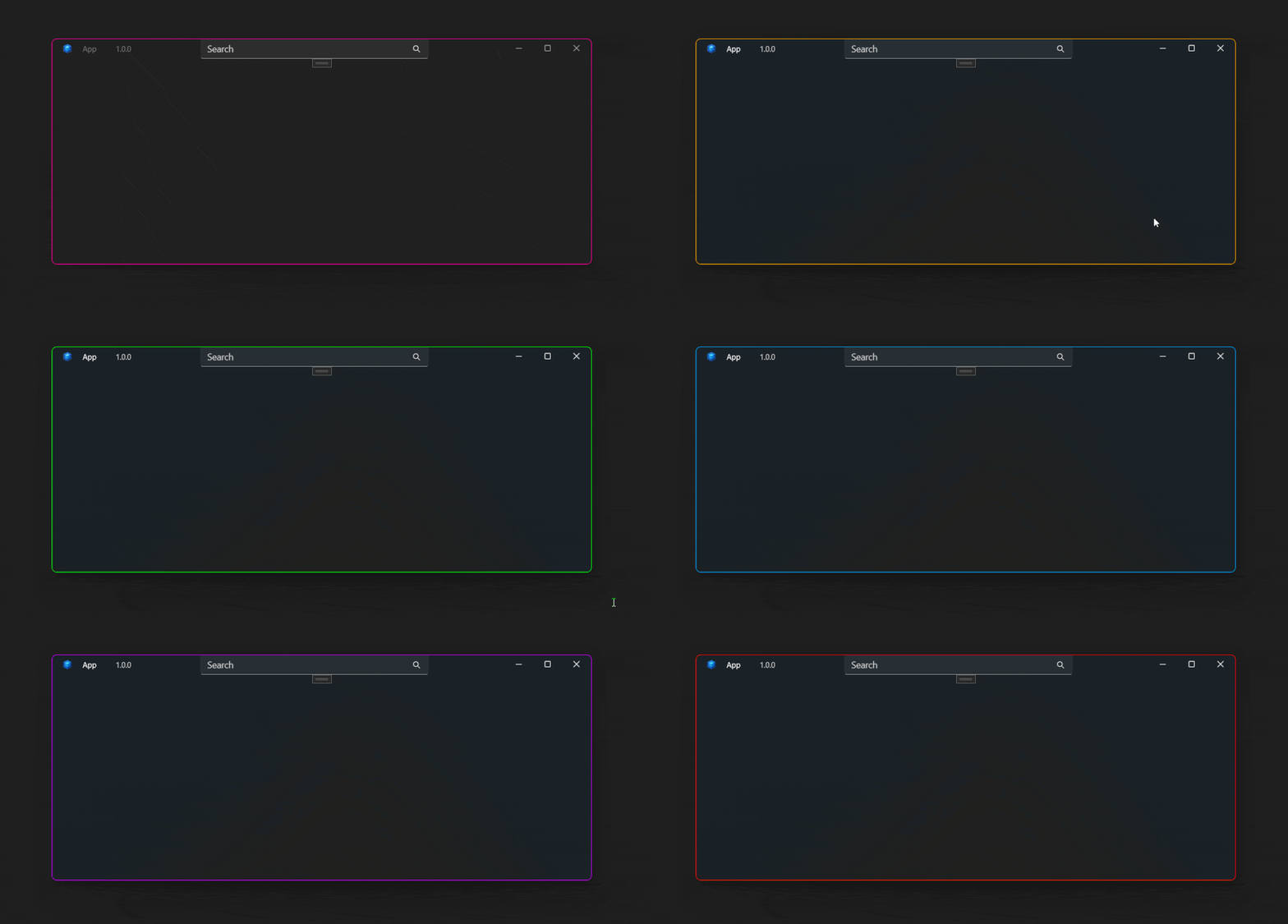
Demo
you can run demo and see this feature.