
Property
| Name |
|---|
| BackgroundMode |
| BackgroundShapeDistance |
| NoDataText |
| SpeedLineVisibility |
| SpeedTextVisibility |
| SpeedText |
| AutoUpdateSpeedText |
Methods
| Name |
|---|
| SetSpeed |
| ResetGraph |
| ErrorGraph |
| PauseGraph |
| NormalGraph |
Example
xml
<dev:SpeedGraph x:Name="SpeedGraphSample" />cs
ulong _totalBytes = 1024UL * 1024 * 500; // 500 MB
SpeedGraphSample.Total = _totalBytes;
SpeedGraphSample.SetSpeed(50, 500);
Here we can simulate a file copy operation:
cs
private bool _isSimulating;
private Random _random = new();

private async void StartFileCopy()
{
    SpeedGraphSample.ResetGraph();

    ulong _totalBytes = 1024UL * 1024 * (ulong)NBFileSize.Value;

    SpeedGraphSample.NormalGraph();

    if (_isSimulating)
        return;

    _isSimulating = true;

    ulong copiedBytes = 0;

    while (copiedBytes < _totalBytes)
    {
        // Simulate varying copy speed (8–100 MB/s)
        ulong speed = (ulong)(_random.Next(8, 100) * 1024 * 1024);

        // Add progress (simulate ~1/3 second per chunk)
        copiedBytes += speed / 3;
        if (copiedBytes > _totalBytes)
            copiedBytes = _totalBytes;

        double percent = (double)copiedBytes / _totalBytes * 100.0;

        // Update SpeedGraph
        SpeedGraphSample.SetSpeed(percent, speed);
        // Update text

        // Wait before next tick
        await Task.Delay(100);
    }

    _isSimulating = false;
}
WARNING
you need to clamp or control percent or speed values, SpeedGraph does not care about input values!
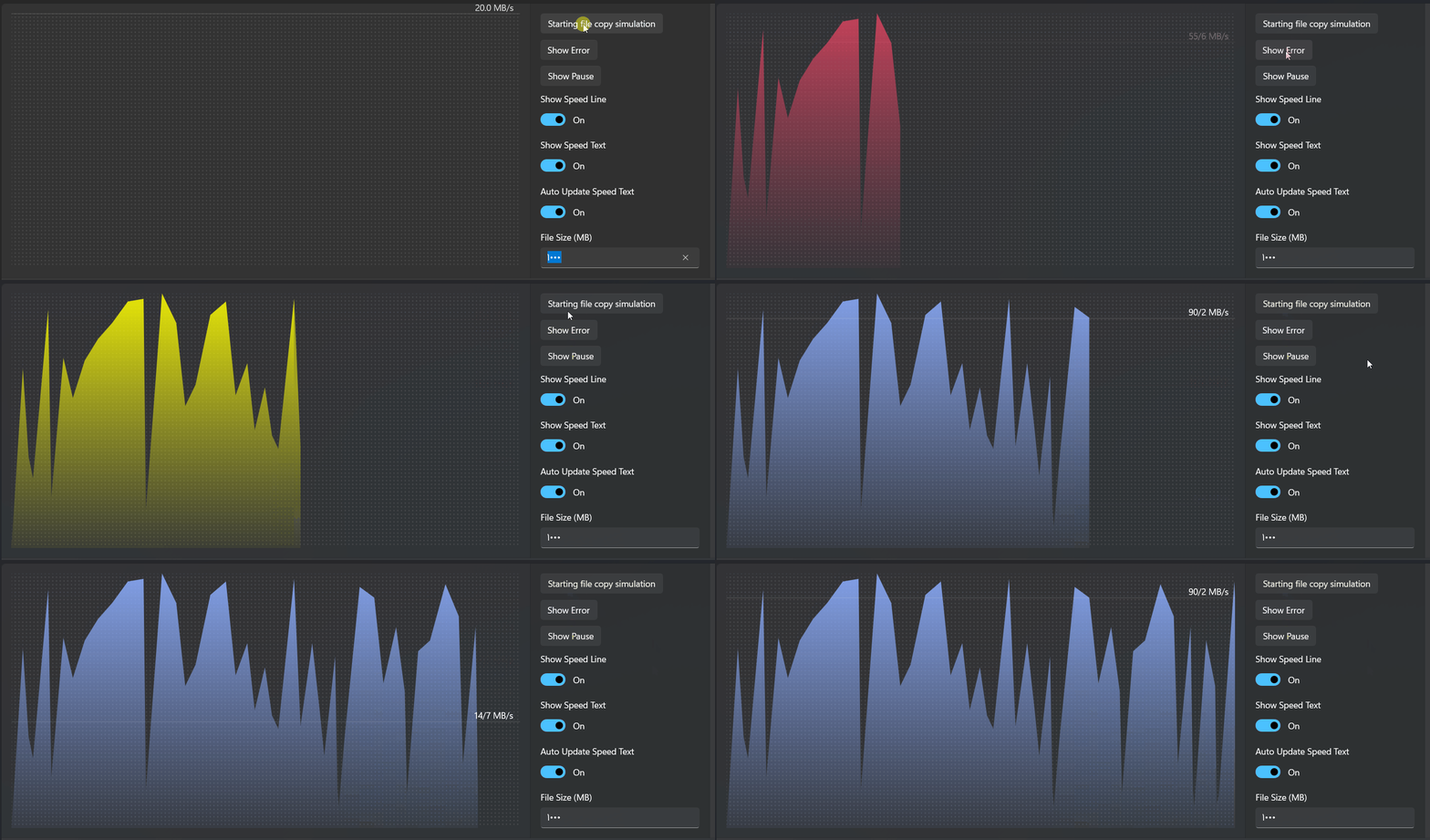
Demo
you can run demo and see this feature.