
GooeyEffect
Attributes
| Name |
|---|
| PrimaryTimeLineFromX |
| PrimaryTimeLineToX |
| SecondaryTimeLineFromX |
| SecondaryTimeLineToX |
| PrimaryTimeLineFromY |
| PrimaryTimeLineToY |
| SecondaryTimeLineFromY |
| SecondaryTimeLineToY |
| Duration |
| Easing |
| PrimaryFill |
| SecondaryFill |
| BlurAmount |
| PrimaryRadius |
| SecondaryRadius |
Example
xml
<dev:GooeyEffect />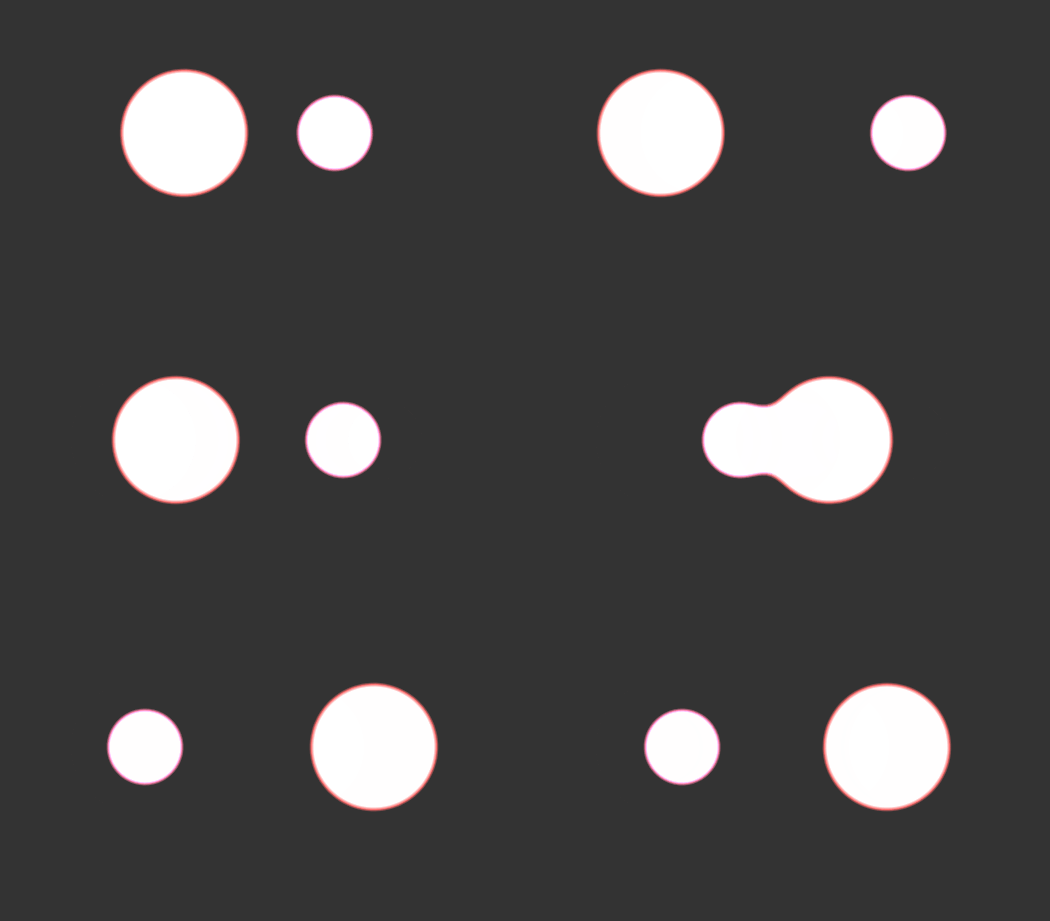
GooeyFooter
Attributes
| Name |
|---|
| TimeLineFrom |
| TimeLineTo |
| SizeTimeLineFrom |
| SizeTimeLineTo |
| BlurAmount |
| Fill |
| Bubble |
| Duration |
| SizeDuration |
| BeginTime |
| SizeBeginTime |
| X |
| Y |
| W |
| H |
Example
xml
<dev:GooeyFooterEffect />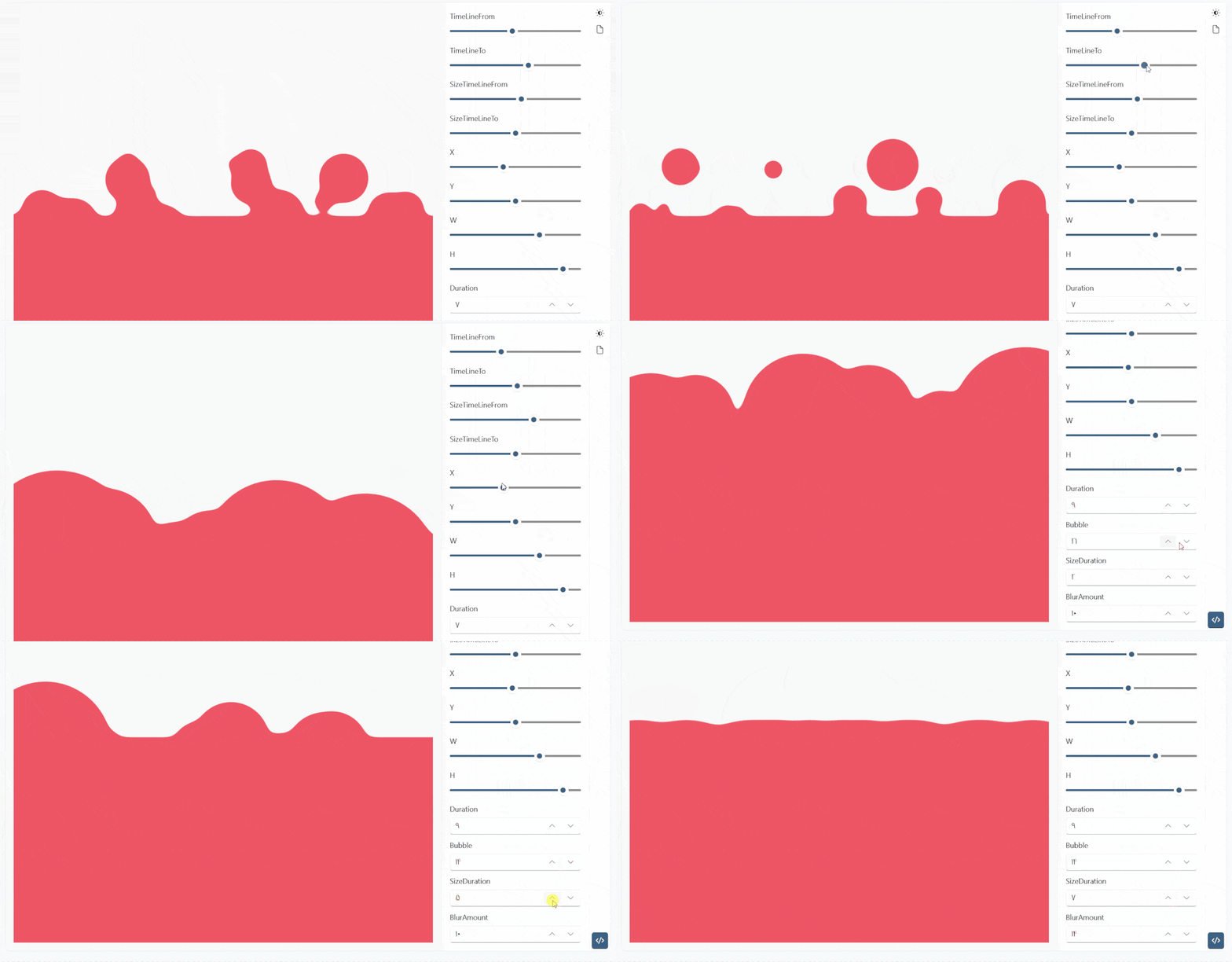
GooeyButton
Attributes
| Name |
|---|
| Content |
| Expanded |
| Distance |
| BlurAmount |
| ItemsPosition |
Example
xml
<dev:GooeyButton x:Name="gooeyButton"
              HorizontalAlignment="Center"
              VerticalAlignment="Center"
              Invoked="gooeyButton_Invoked"
              ItemInvoked="gooeyButton_ItemInvoked"
              ItemsSource="{x:Bind strings}">
    <dev:GooeyButton.Content>
        <SymbolIcon Symbol="Add" />
    </dev:GooeyButton.Content>
    <dev:GooeyButton.ItemTemplate>
        <DataTemplate>
            <SymbolIcon Symbol="{Binding}" />
        </DataTemplate>
    </dev:GooeyButton.ItemTemplate>
</dev:GooeyButton>
cs
private readonly Random rnd = new();
private ObservableCollection<Symbol> strings { get; }

public Init()
{
    strings = new ObservableCollection<Symbol>
    {
        Symbol.AddFriend,
        Symbol.Forward,
        Symbol.Share
    };
}


private void gooeyButton_Invoked(object sender, GooeyButton.GooeyButtonInvokedEventArgs args)
{
    Debug.WriteLine("Invoked");
}

private void gooeyButton_ItemInvoked(object sender, GooeyButton.GooeyButtonItemInvokedEventArgs args)
{
    if (args.Item is Symbol symbol)
    {
        if (symbol == Symbol.AddFriend)
        {
            if (strings.Count == 3)
            {
                strings.Add(Symbol.Home);
                gooeyButton.Distance += 20;
            }
            else
            {
                strings.RemoveAt(3);
                gooeyButton.Distance -= 20;
            }
        }
        else if (symbol == Symbol.Forward)
        {
            var pos = (int)gooeyButton.ItemsPosition + 1;
            if (pos == 4) pos = 0;
            gooeyButton.ItemsPosition = (GooeyButtonItemsPosition)pos;
        }
        else if (symbol == Symbol.Share)
        {
            gooeyButton.Distance = rnd.Next(80, 300);
        }
    }

    Debug.WriteLine(args.Item.ToString());
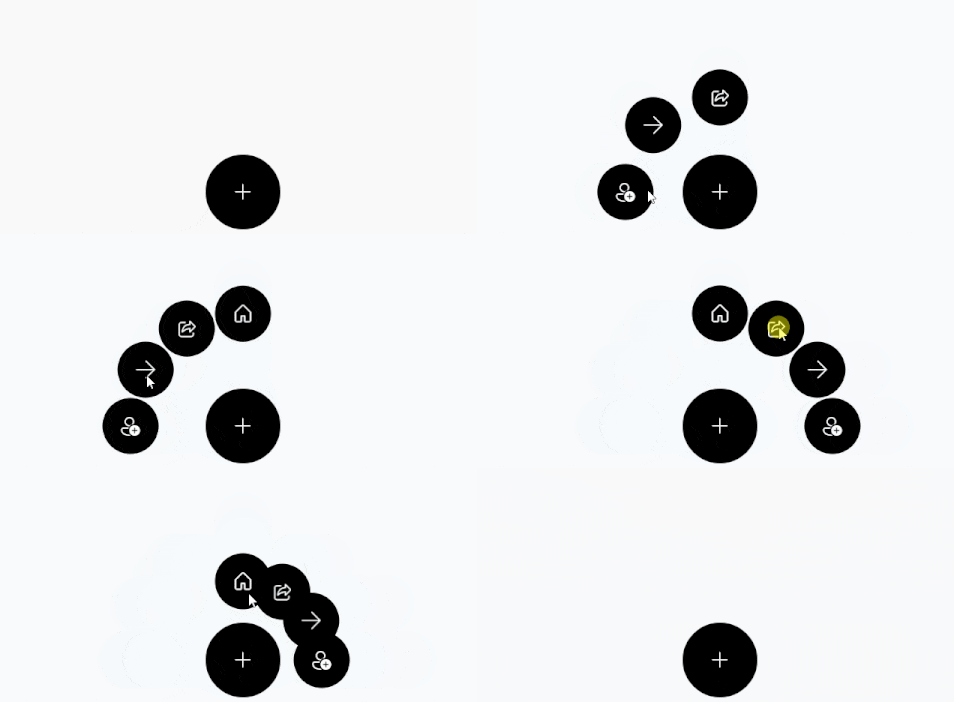
}
Demo
you can run demo and see this feature.