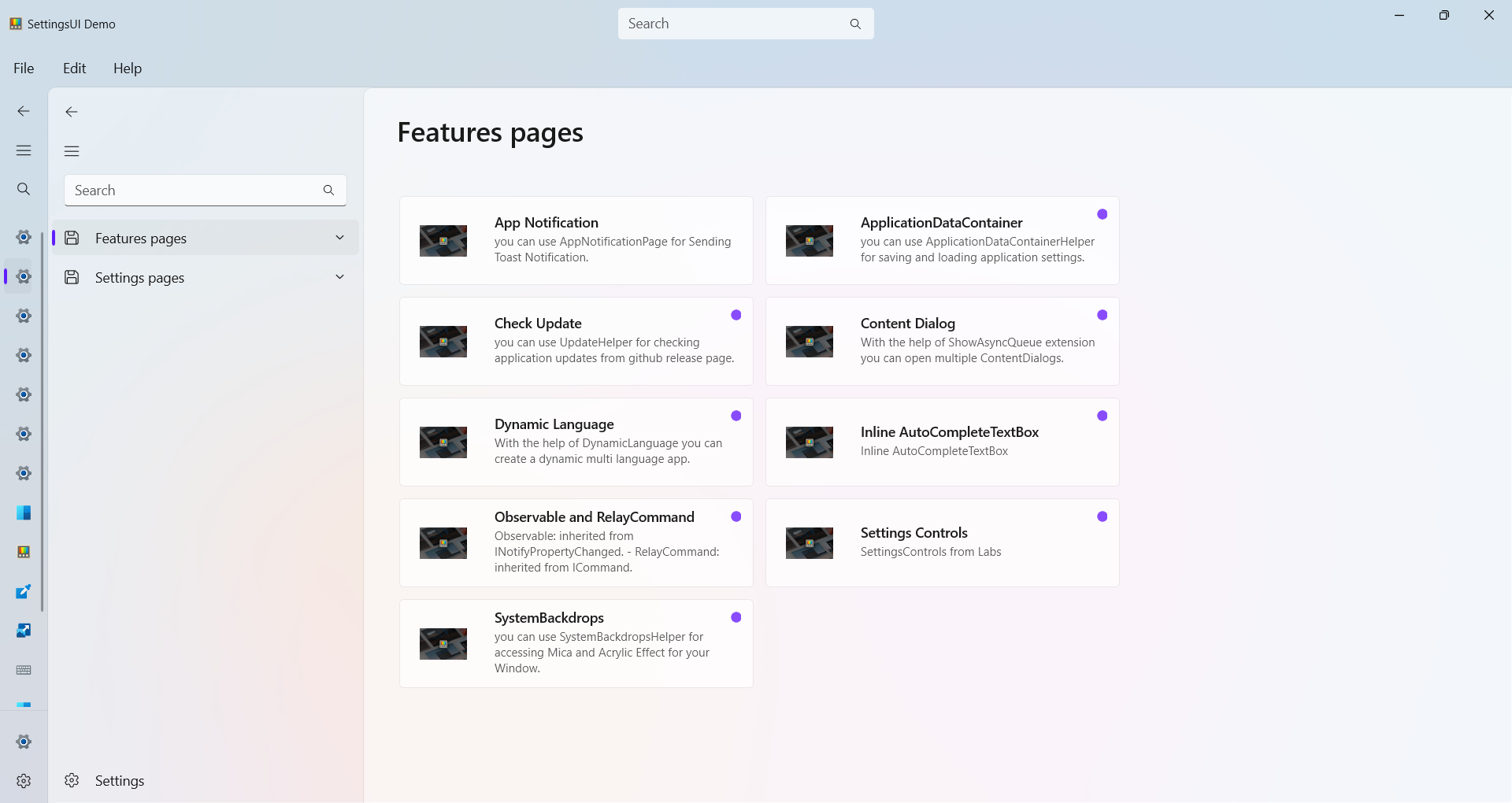
this is a Built-in Page for showing Pages (Sub items of a Group)
Event
| Name |
|---|
| OnItemClick |
Simple Use
first add a SectionPage in a Page:
xml
<Page
    x:Class="DevWinUI.DemoApp.Pages.SectionPage"
    xmlns="http://schemas.microsoft.com/winfx/2006/xaml/presentation"
    xmlns:x="http://schemas.microsoft.com/winfx/2006/xaml"
    xmlns:dev="using:DevWinUI">

    <dev:SectionPage x:Name="sectionPage" OnItemClick="SectionPage_OnItemClick"/>
</Page>
then in your json file add a SectionId and UniqueId
cs
"UniqueId": "Settings Control",
"SectionId": "DevWinUI.DemoApp.Pages.DemoSectionPage",
NOTE
you should add your SectionPage full address inside SectionId
now we should navigate our page to SectionPage:
cs
Navigate(typeof(SectionPage), UniqueId);NOTE
if you are using JsonNavigationService, you dont need Navigate(typeof(SectionPage), UniqueId); anymore.
now load items and navigate to a desired pages:
cs
protected override void OnNavigatedTo(NavigationEventArgs e)
{
    var item = NavigationServiceHelper.GetUniqueIdAndSectionId(e.Parameter);
    sectionPage.GetData(item.UniqueId, item.SectionId);
    sectionPage.OrderBy(i => i.Title);
}

private void SectionPage_OnItemClick(object sender, Microsoft.UI.Xaml.RoutedEventArgs e)
{
    var args = (ItemClickEventArgs)e;
    var item = (DataItem)args.ClickedItem;
    jsonNavigationService.NavigateTo(item.UniqueId);
}
WARNING
UniqueId is your full address of your page