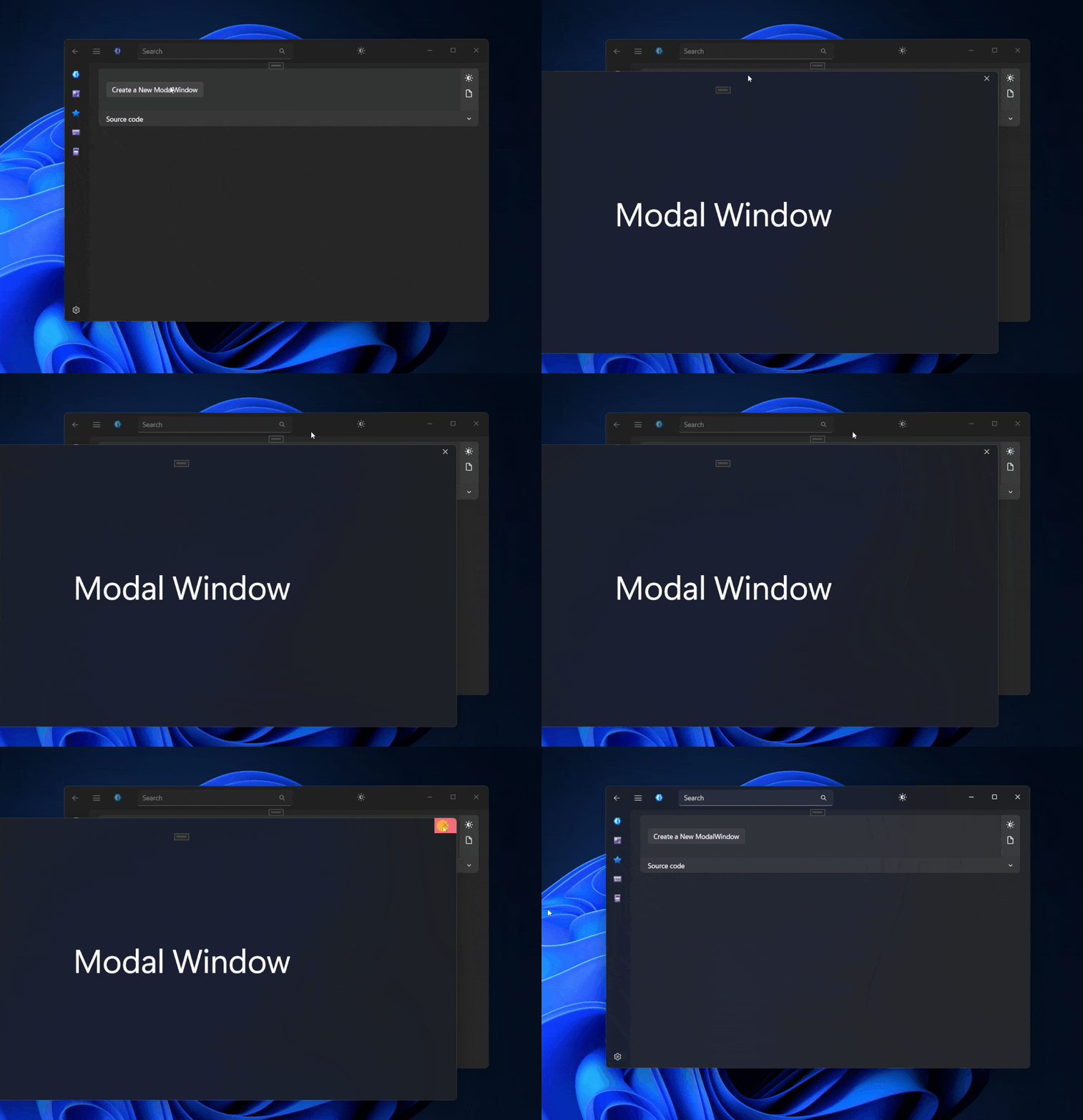
Example
Create a new Window (SampleModalWindow) and Change Window to ModalWindow
xml
<dev:ModalWindow x:Class="DevWinUIGallery.Views.SampleModalWindow"
                 xmlns="http://schemas.microsoft.com/winfx/2006/xaml/presentation"
                 xmlns:x="http://schemas.microsoft.com/winfx/2006/xaml"
                 xmlns:d="http://schemas.microsoft.com/expression/blend/2008"
                 xmlns:dev="using:DevWinUI"
                 xmlns:mc="http://schemas.openxmlformats.org/markup-compatibility/2006"
                 Title="SampleModalWindow"
                 mc:Ignorable="d">

    <Grid>
        <TextBlock HorizontalAlignment="Center"
                   VerticalAlignment="Center"
                   FontSize="68"
                   Text="Modal Window" />
    </Grid>
</dev:ModalWindow>
edit SampleModalWindow.xaml.cs file to:
cs
public sealed partial class SampleModalWindow : ModalWindow
{
    public SampleModalWindow(IntPtr parentHwnd) : base(parentHwnd)
    {
        this.InitializeComponent();
        ExtendsContentIntoTitleBar = true;
    }
}
now you can show your window:
cs
var window = new SampleModalWindow(WindowNative.GetWindowHandle(App.MainWindow));
window.Activate();
Demo
you can run demo and see this feature.