
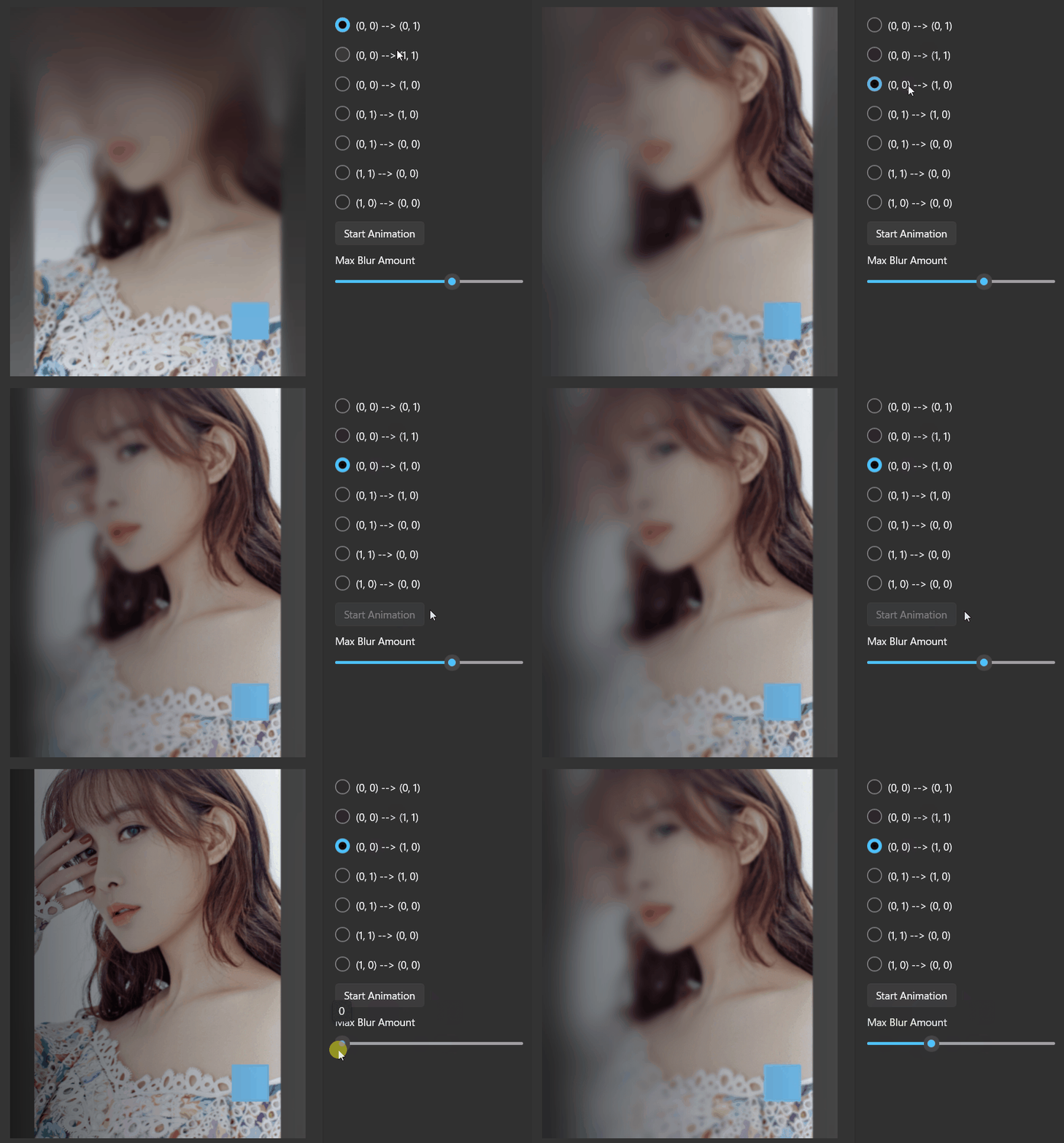
Apply linear gradient blur to the content and the elements behind it.
Property
| Name |
|---|
| MaxBlurAmount |
| MinBlurAmount |
| TintColor |
| StartPoint |
| EndPoint |
| CornerRadius |
Example
xml
<dev:LinearGradientBlurPanel x:Name="LinearGradientBlurPanelSample" MaxBlurAmount="20" TintColor="#99000000" StartPoint="0,0" EndPoint="1,0">
    <Rectangle Width="50"
                Height="50"
                Margin="50"
                HorizontalAlignment="Right"
                VerticalAlignment="Bottom"
                Fill="#77c3f4" />
</dev:LinearGradientBlurPanel>
Start Animation
cs
private void StartAnimationButton_Click(object sender, RoutedEventArgs e)
{
    ((Button)sender).IsEnabled = false;

    var compositor = Microsoft.UI.Xaml.Hosting.ElementCompositionPreview.GetElementVisual(this).Compositor;

    var scope = compositor.CreateScopedBatch(Microsoft.UI.Composition.CompositionBatchTypes.Animation);

    var animation = compositor.CreateScalarKeyFrameAnimation();
    animation.InsertKeyFrame(0f, 64f);
    animation.InsertKeyFrame(0.5f, 0.5f);
    animation.InsertKeyFrame(1f, 64f);
    animation.Duration = TimeSpan.FromSeconds(2);

    LinearGradientBlurPanelSample.StartMaxBlurAmountAnimation(animation);

    scope.End();

    scope.Completed += (s, a) =>
    {
        ((Button)sender).IsEnabled = true;
    };
}
Demo
you can run demo and see this feature.