
BubbleButton
Attributes
| Name |
|---|
| BubbleForeground |
Example
xml
<dev:BubbleButton Content="Button" BubbleForeground="Pink" />BubbleProgressButton
Attributes
| Name |
|---|
| BubbleForeground |
| Content |
| CompletedBackground |
| State |
| ProgressForeground |
| IsBubbing |
Example
xml
<StackPanel Orientation="Horizontal"
            Spacing="10">
    <dev:BubbleProgressButton x:Name="LikeButton"
                              Content="{dev:FontIcon GlyphName=Like}"
                              GestureRecognizerHolding="OnGestureRecognizerHolding"
                              GestureRecognizerTapped="OnGestureRecognizerTapped" />
    <dev:BubbleProgressButton x:Name="CoinButton"
                              Content="{dev:FontIcon GlyphName=ButtonA}"
                              GestureRecognizerHolding="OnGestureRecognizerHolding"
                              GestureRecognizerTapped="OnGestureRecognizerTapped"
                              Value="{Binding ElementName=LikeButton, Path=Value}" />
    <dev:BubbleProgressButton x:Name="FavoriteButton"
                              Content="{dev:FontIcon GlyphName=Favicon}"
                              GestureRecognizerHolding="OnGestureRecognizerHolding"
                              GestureRecognizerTapped="OnGestureRecognizerTapped"
                              Value="{Binding ElementName=LikeButton, Path=Value}" />
</StackPanel>
cs
private bool _isAnimateBegin;
private readonly Storyboard _progressStoryboard;

public Init()
{
    _progressStoryboard = CreateStoryboard();
}

private void OnLikeButtonTapped(object sender, TappedRoutedEventArgs e)
{
    if (LikeButton.State != BubbleProgressState.Completed)
        LikeButton.State = BubbleProgressState.Completed;
    else
        LikeButton.State = BubbleProgressState.Idle;
}


private void OnGestureRecognizerTapped(object sender, TappedEventArgs e)
{
    var progressButton = sender as BubbleProgressButton;
    if (progressButton.State == BubbleProgressState.Idle)
        progressButton.State = BubbleProgressState.Completed;
    else
        progressButton.State = BubbleProgressState.Idle;
}


private void OnGestureRecognizerHolding(object sender, HoldingEventArgs e)
{
    var progressButton = sender as BubbleProgressButton;
    if (e.HoldingState == HoldingState.Started)
    {
        if (!_isAnimateBegin)
        {
            _isAnimateBegin = true;
            (_progressStoryboard.Children[0] as DoubleAnimation).From = progressButton.Minimum;
            (_progressStoryboard.Children[0] as DoubleAnimation).To = progressButton.Maximum;
            Storyboard.SetTarget(_progressStoryboard.Children[0] as DoubleAnimation, progressButton);
            _progressStoryboard.Begin();
        }
    }
    else
    {
        _isAnimateBegin = false;
        _progressStoryboard.Stop();
    }
}

private Storyboard CreateStoryboard()
{
    var animation = new DoubleAnimation
    {
        EnableDependentAnimation = true,
        Duration = TimeSpan.FromSeconds(2)
    };

    Storyboard.SetTargetProperty(animation, nameof(BubbleProgressButton.Value));
    var storyboard = new Storyboard();
    storyboard.Children.Add(animation);
    storyboard.Completed += OnProgressStoryboardCompleted;
    storyboard.FillBehavior = FillBehavior.Stop;
    return storyboard;
}

private void OnProgressStoryboardCompleted(object sender, object e)
{
    LikeButton.State = BubbleProgressState.Completed;
    CoinButton.State = BubbleProgressState.Completed;
    FavoriteButton.State = BubbleProgressState.Completed;
}
BubbleView
you can use BubbleView to create your custom controls. see BubbleButton Source codes for a example.
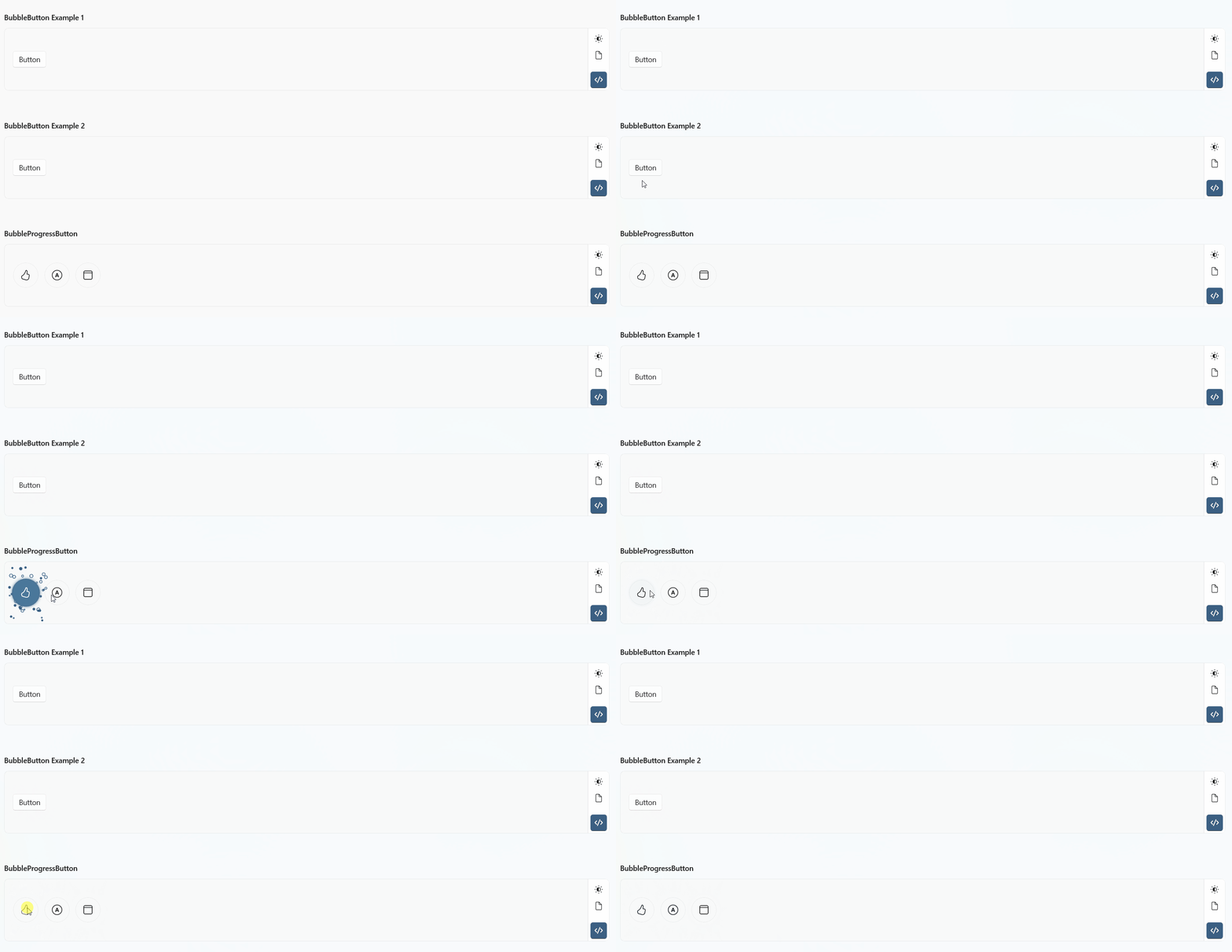
Demo
you can run demo and see this feature.