cs
public sealed class KeyVisual2 : ControlAttributes
| Name |
|---|
| KeyVisualState |
| Content |
| RenderKeyAsGlyph |
| Style |
Example
xml
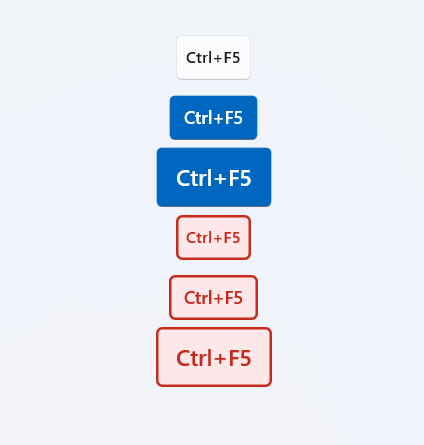
<dev:KeyVisual2 Content="Ctrl+F5" />
<dev:KeyVisual2 Content="Ctrl+F5" KeyVisualState="Error" />
<dev:KeyVisual2 Content="Ctrl+F5" KeyVisualState="Warning"/>

<dev:KeyVisual2 Content="Win"/>
<dev:KeyVisual2 Content="Copilot"/>
Content is an object, you can pass string or int, some of string or int has built-in icons.
String
| Name |
|---|
| Up |
| Down |
| Left |
| Right |
| Copilot |
| Office |
| Win |
| Windows |
| RightWindows |
| LeftWindows |
Int
| Name | Remark |
|---|---|
| 13 | Enter |
| 8 | Back |
| 16, 160, 161 | Shift |
| 38 | Up |
| 40 | Down |
| 37 | Left |
| 39 | Right |
| 91, 92 | LeftWindows, RightWindows |
Demo
you can run demo and see this feature.