
Property
| Name |
|---|
| Items |
| ActiveIndex |
| ShowMarker |
| ShowIndex |
| ScaleTick |
| ItemGap |
| MarkerLength |
| MarkerGap |
| TickScale |
| MaxShift |
| ProximityRadius |
| Smoothing |
| Falloff |
| MarkerColor |
| TextColor |
| AccentColor |
Events
| Name |
|---|
| ItemClick |
Example
xml
<dev:LineSidebar x:Name="Sidebar" ActiveIndex="0" ItemClick="Sidebar_ItemClick" />csharp
Sidebar.Items = new List<string> { "Overview", "Features", "Pricing", "Contact" };

private void Sidebar_ItemClick(LineSidebar sender, LineSidebarItemClickEventArgs args)
{
    var index = args.Index;
    var label = args.Label;
}
WARNING
Items is an IList<string>. Changing the list instance rebuilds the control, so assign a new list instead of modifying the existing one.
WARNING
ProximityRadius, MaxShift, ItemGap, MarkerLength, MarkerGap are in pixels and Smoothing is in milliseconds.
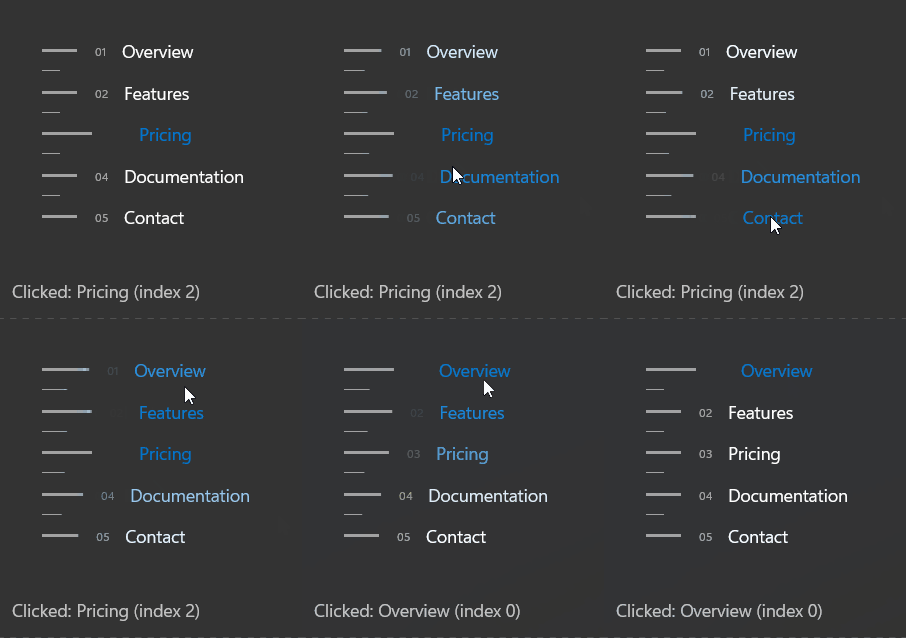
Demo
you can run demo and see this feature.