Property
| Name |
| BackgroundMode |
| BackgroundShapeDistance |
| NoDataText |
| SpeedLineVisibility |
| SpeedTextVisibility |
| SpeedText |
| AutoUpdateSpeedText |
Methods
| Name |
| SetSpeed |
| ResetGraph |
| ErrorGraph |
| PauseGraph |
| NormalGraph |
Example
1
| <dev:SpeedGraph x:Name="SpeedGraphSample" />
|
1
2
3
| ulong _totalBytes = 1024UL * 1024 * 500;
SpeedGraphSample.Total = _totalBytes;
SpeedGraphSample.SetSpeed(50, 500);
|
Here we can simulate a file copy operation:
1
2
3
4
5
6
7
8
9
10
11
12
13
14
15
16
17
18
19
20
21
22
23
24
25
26
27
28
29
30
31
32
33
34
35
36
37
38
39
40
| private bool _isSimulating;
private Random _random = new();
private async void StartFileCopy()
{
SpeedGraphSample.ResetGraph();
ulong _totalBytes = 1024UL * 1024 * (ulong)NBFileSize.Value;
SpeedGraphSample.NormalGraph();
if (_isSimulating)
return;
_isSimulating = true;
ulong copiedBytes = 0;
while (copiedBytes < _totalBytes)
{
ulong speed = (ulong)(_random.Next(8, 100) * 1024 * 1024);
copiedBytes += speed / 3;
if (copiedBytes > _totalBytes)
copiedBytes = _totalBytes;
double percent = (double)copiedBytes / _totalBytes * 100.0;
SpeedGraphSample.SetSpeed(percent, speed);
await Task.Delay(100);
}
_isSimulating = false;
}
|
you need to clamp or control percent or speed values, SpeedGraph does not care about input values!
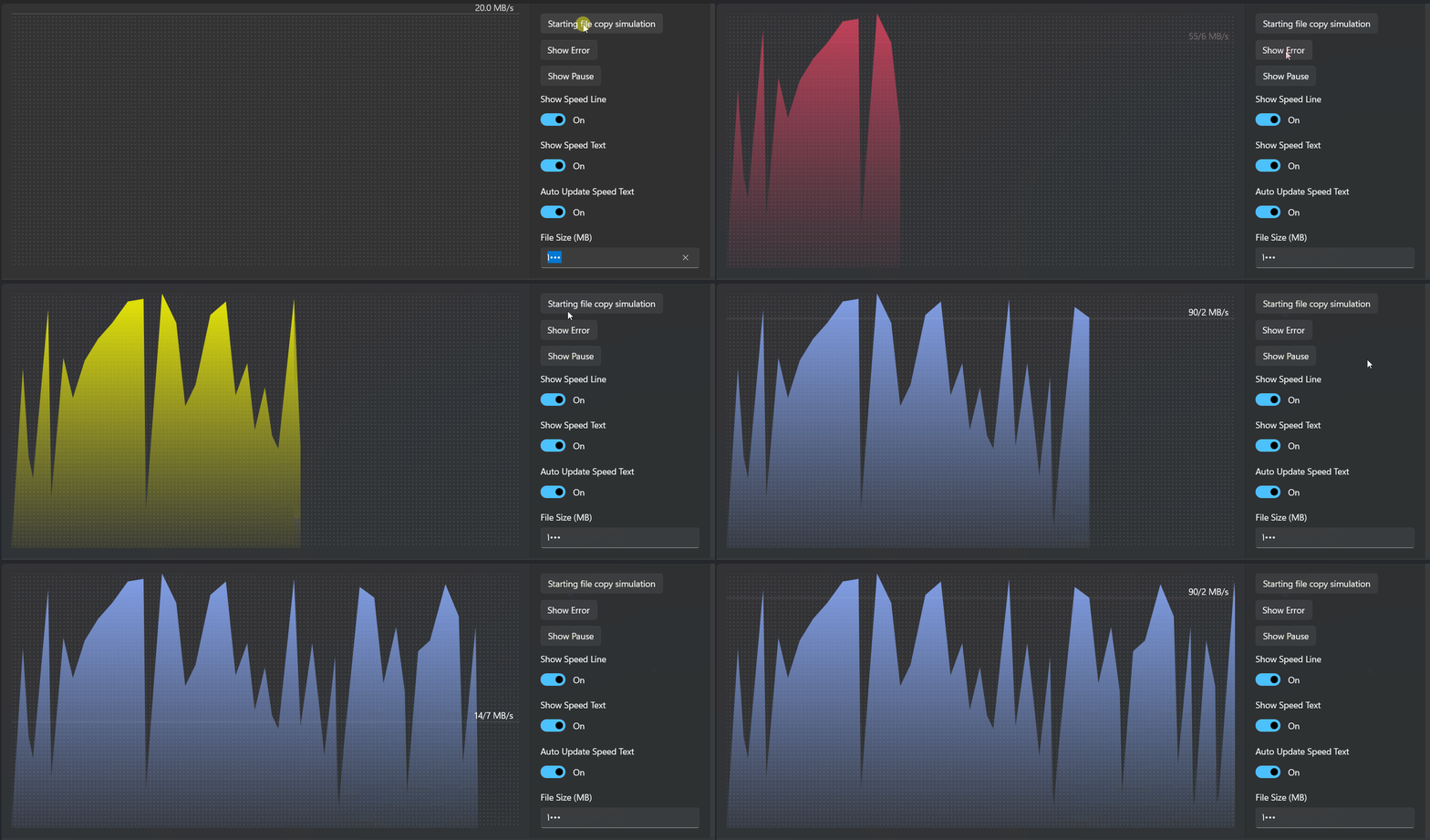
Demo
you can run demo and see this feature.