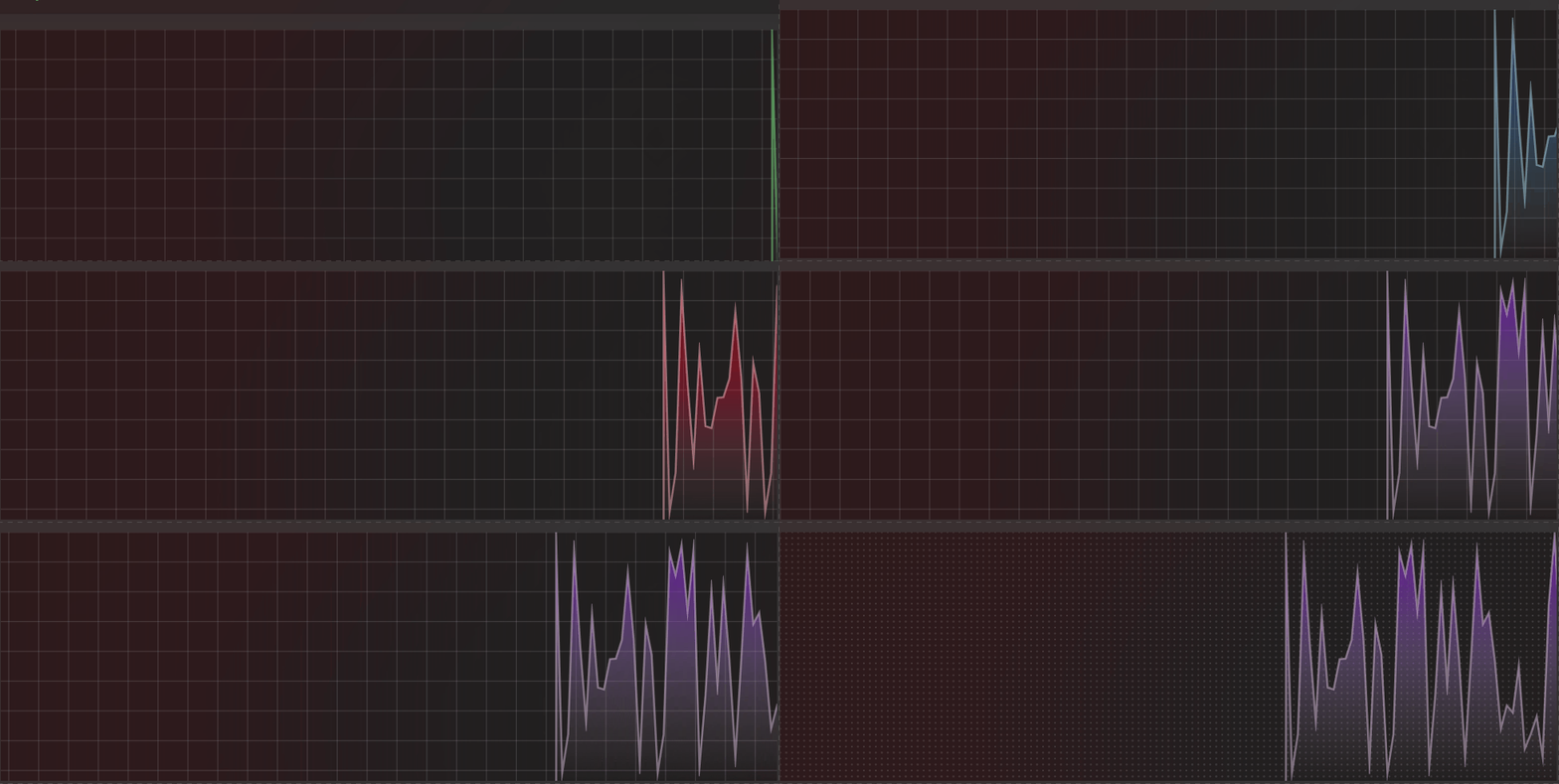
Draw any Static/Dynamic Graph you want!
Property
Name
BackgroundMode
BackgroundShapeDistance
HighlightLineBehavior
HighlightLineVisibility
HighlightLineContent
DotSpacing
CrossSpacing
BackgroundColor
ClearColor
HorizontalScrollDistance
HorizontalScrollDuration
Methods
Name
GetCustomBrush
GetGreenBrush
GetBlueBrush
GetRedBrush
GetPurpleBrush
AddDynamicPoint
AddStaticPoints
RegisterGraphBrush
UpdateGraphBrush
ResetDynamicGraph
GetCanvasAnimatedControl
Events
Name
HighlightLineUpdated
Draw
CreateResources
Example 1 <dev:LiveGraph x:Name ="LiveGraphSample" Draw ="OnDraw" CreateResources ="OnCreateResources" />
first in OnCreateResources, register your brush with RegisterGraphBrush and get a Key to Draw your Graph.
1
2
3
4
5
6
7
8
9
10
11
12
13
14
15
16
17
18
19
20
21
22
23
24
25
26
27
28
29
30
31
32
33
34
35
36
37
38
39
40
41
42
43
44
45
46
private (CanvasLinearGradientBrush Brush, CanvasLinearGradientBrush OpacityBrush, CanvasSolidColorBrush BorderBrush) brush;private string liveGraphKey;private void OnCreateResources (object sender, Microsoft.Graphics.Canvas.UI.Xaml.CanvasAnimatedControl e{ brush = LiveGraphSample.GetGreenBrush(e); LiveGraphSample.SizeChanged -= OnCanvasResize; LiveGraphSample.SizeChanged += OnCanvasResize; Unloaded -= LiveGraphPage_Unloaded; Unloaded += LiveGraphPage_Unloaded; void OnCanvasResize (object s, SizeChangedEventArgs e { brush.Brush.StartPoint = new Vector2(0 , (float )e.NewSize.Height); brush.Brush.EndPoint = new Vector2(0 , 0 ); brush.OpacityBrush.StartPoint = new Vector2(0 , (float )e.NewSize.Height); brush.OpacityBrush.EndPoint = new Vector2(0 , 0 ); } void LiveGraphPage_Unloaded (object sender, RoutedEventArgs e { brush.Brush?.Dispose(); brush.OpacityBrush?.Dispose(); brush.BorderBrush?.Dispose(); } liveGraphKey = LiveGraphSample.RegisterGraphBrush(null ); UpdateBrush(); } private void UpdateBrush (){ var data = new GraphBrushData { Brush = brush.Brush, OpacityBrush = brush.OpacityBrush, BorderBrush = brush.BorderBrush, StrokeWidth = 2f , }; LiveGraphSample.UpdateGraphBrush(liveGraphKey, data); }
then use your Key in AddDynamicPoint to Draw Graph inside OnDraw event:
1
2
3
4
5
6
private Random random = new Random();private void OnDraw (object sender, LiveGraphEventArgs e{ float cpuValue = (float )random.NextDouble() * 100f ; LiveGraphSample.AddDynamicPoint(liveGraphKey, new GraphPoint { Value = cpuValue, Space = 6f }); }
you should normalize your value to be a 0-100%
now if you want to change your brush, you can define new brush and call UpdateBrush
1
2
brush = LiveGraphSample.GetPurpleBrush(LiveGraphSample.GetCanvasAnimatedControl()); UpdateBrush();
you dont need to use OnDraw event for Static Graph, you can call AddStaticGraph inside Button Click event or anywhere else.
Highlight Line if you need a line follow points, you need to define your line:
1 2 3 4 5 6 7 8 <dev:LiveGraph > <dev:LiveGraph.HighlightLineContent > <Grid > <Line Opacity ="0.4" Stroke ="{ThemeResource SystemControlForegroundBaseHighBrush}" X1 ="0" X2 ="10000" /> <TextBlock Margin ="0,-20,10,0" HorizontalAlignment ="Right" Opacity ="0.8" Text ="Some Text" /> </Grid > </dev:LiveGraph.HighlightLineContent > </dev:LiveGraph >
Demo you can run demo and see this feature.