Our Password Generator is a secure, flexible tool for creating strong and customizable passwords. It allows users to generate passwords according to their specific needs, ensuring a balance of security, readability, and compliance with password policies.
Whether you need a quick, strong password or a highly customized password set, our generator handles it all.
Features
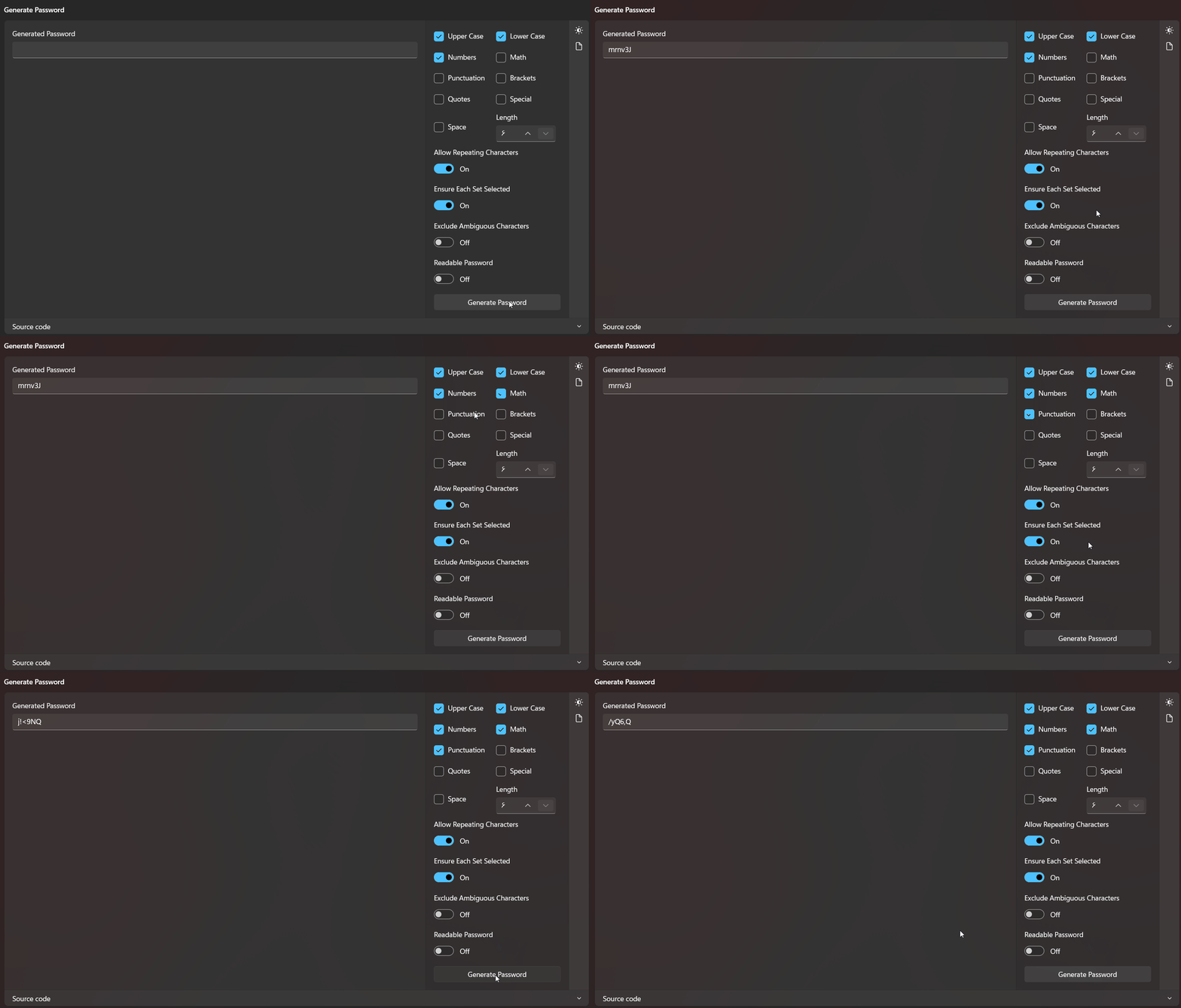
1.Fully Customizable Character Sets
You can choose which types of characters to include in your password:
- Uppercase Letters (A–Z)
- Lowercase Letters (a–z)
- Numbers (0–9)
- Math Symbols (+, -, *, /, <, =, >)
- Punctuation (!, ,, ., :, ;, ?)
- Brackets ((, ), [, ], {, })
- Quotes (“, ‘, `)
- Special Characters (#, &, $, %, @, , ~, ^, _, |, -)
- Spaces
You can combine multiple sets for maximum flexibility.
- Password Length Control
Choose the desired length of your password. By default, the generator creates 12-character passwords, but this can be adjusted to meet any requirement.
- Avoid Ambiguous Characters
Easily remove characters that are visually confusing, such as O, 0, l, 1, and I. This ensures your passwords are easy to read and type.
- Repetition Control
Decide whether characters can repeat in your password:
Allow repeating characters (default)
Disallow repeating characters for maximum uniqueness
5. Ensuring Character Set Inclusion
The generator can guarantee that at least one character from each selected set appears in your password. This ensures all password policies are met, such as including both letters and numbers.
- Readable Passwords
Enable the Readable Password option to create passwords that avoid symbols and focus on letters and numbers, improving usability without sacrificing security.
- Password Strength Assessment
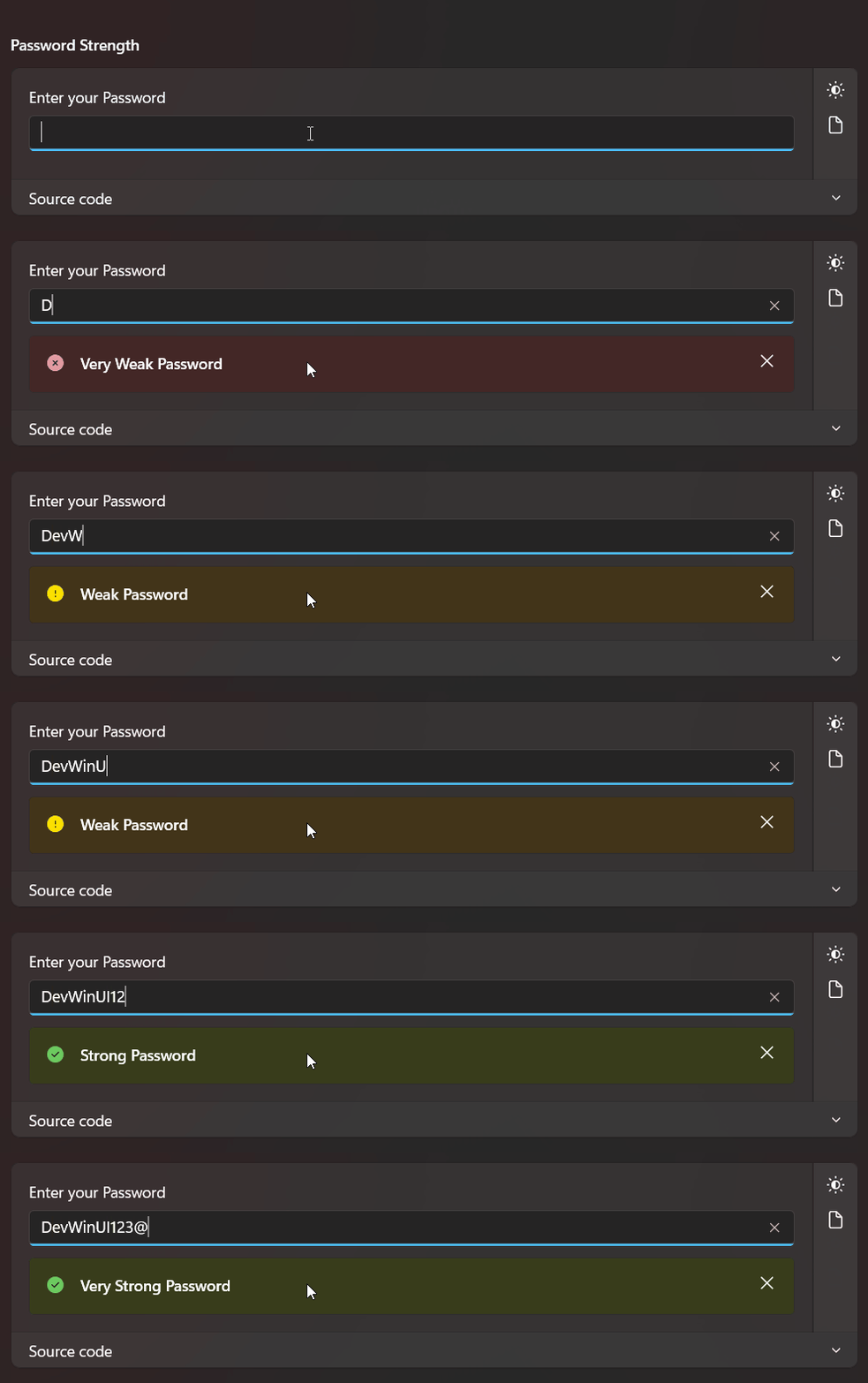
Evaluate how secure a password is with built-in strength scoring:
Very Weak Extremely easy to guess or crack
Weak Weak security, not recommended
Normal Moderate security, acceptable for casual use
Strong High security, suitable for most purposes
Very Strong Maximum security, highly resistant to attacks
The strength can be determined either by standard rules or by calculating entropy based on selected character sets and password length.
Methods
| Name |
|---|
| Generate |
| GetPasswordStrength |
1 | PasswordGenerator passwordGenerator = new PasswordGenerator(); |
Demo
you can run demo and see this feature.