Apply linear gradient blur to the content and the elements behind it.
Property
| Name |
| MaxBlurAmount |
| MinBlurAmount |
| TintColor |
| StartPoint |
| EndPoint |
| CornerRadius |
Example
1
2
3
4
5
6
7
8
| <dev:LinearGradientBlurPanel x:Name="LinearGradientBlurPanelSample" MaxBlurAmount="20" TintColor="#99000000" StartPoint="0,0" EndPoint="1,0">
<Rectangle Width="50"
Height="50"
Margin="50"
HorizontalAlignment="Right"
VerticalAlignment="Bottom"
Fill="#77c3f4" />
</dev:LinearGradientBlurPanel>
|
Start Animation
1
2
3
4
5
6
7
8
9
10
11
12
13
14
15
16
17
18
19
20
21
22
23
| private void StartAnimationButton_Click(object sender, RoutedEventArgs e)
{
((Button)sender).IsEnabled = false;
var compositor = Microsoft.UI.Xaml.Hosting.ElementCompositionPreview.GetElementVisual(this).Compositor;
var scope = compositor.CreateScopedBatch(Microsoft.UI.Composition.CompositionBatchTypes.Animation);
var animation = compositor.CreateScalarKeyFrameAnimation();
animation.InsertKeyFrame(0f, 64f);
animation.InsertKeyFrame(0.5f, 0.5f);
animation.InsertKeyFrame(1f, 64f);
animation.Duration = TimeSpan.FromSeconds(2);
LinearGradientBlurPanelSample.StartMaxBlurAmountAnimation(animation);
scope.End();
scope.Completed += (s, a) =>
{
((Button)sender).IsEnabled = true;
};
}
|
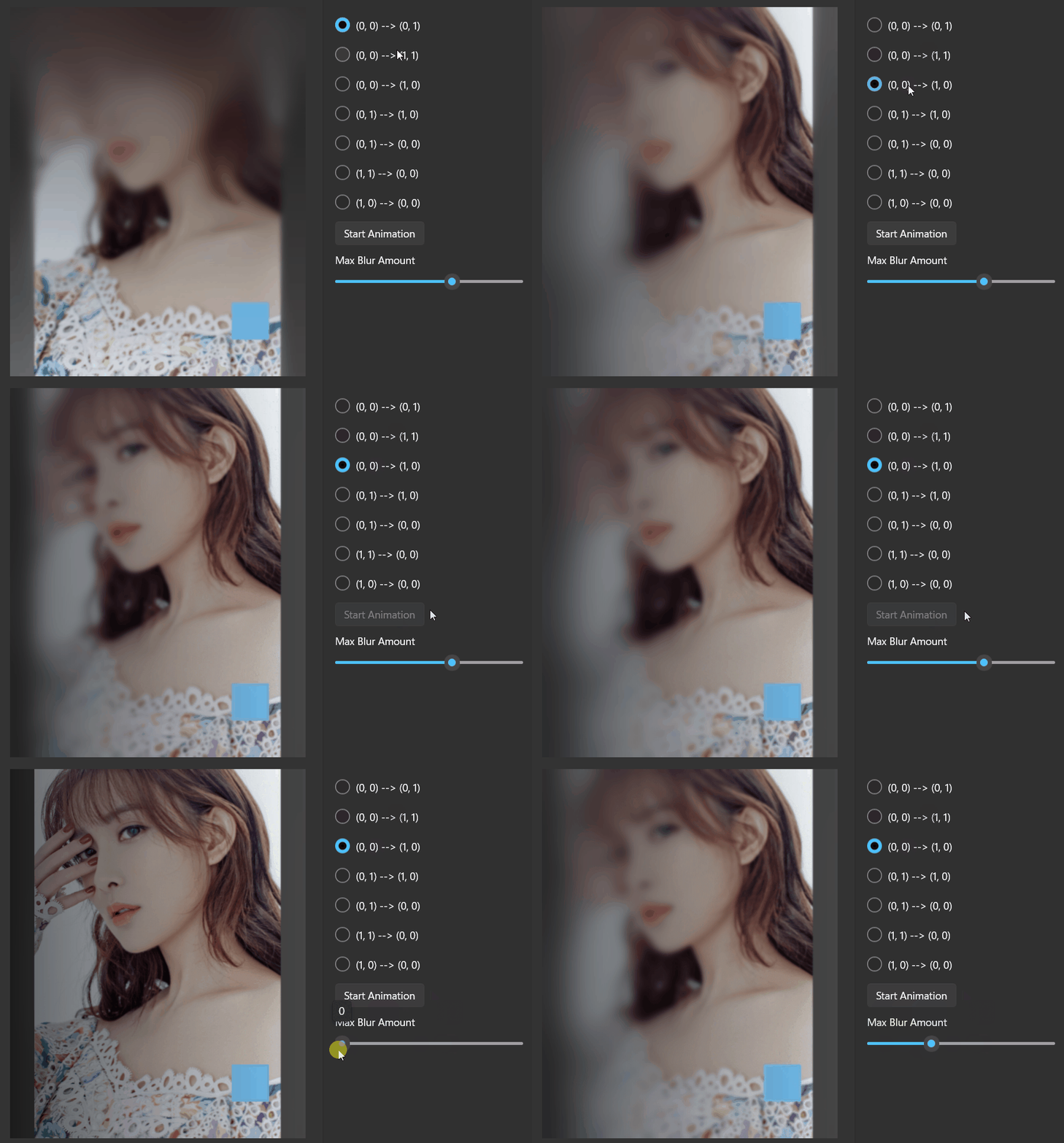
Demo
you can run demo and see this feature.